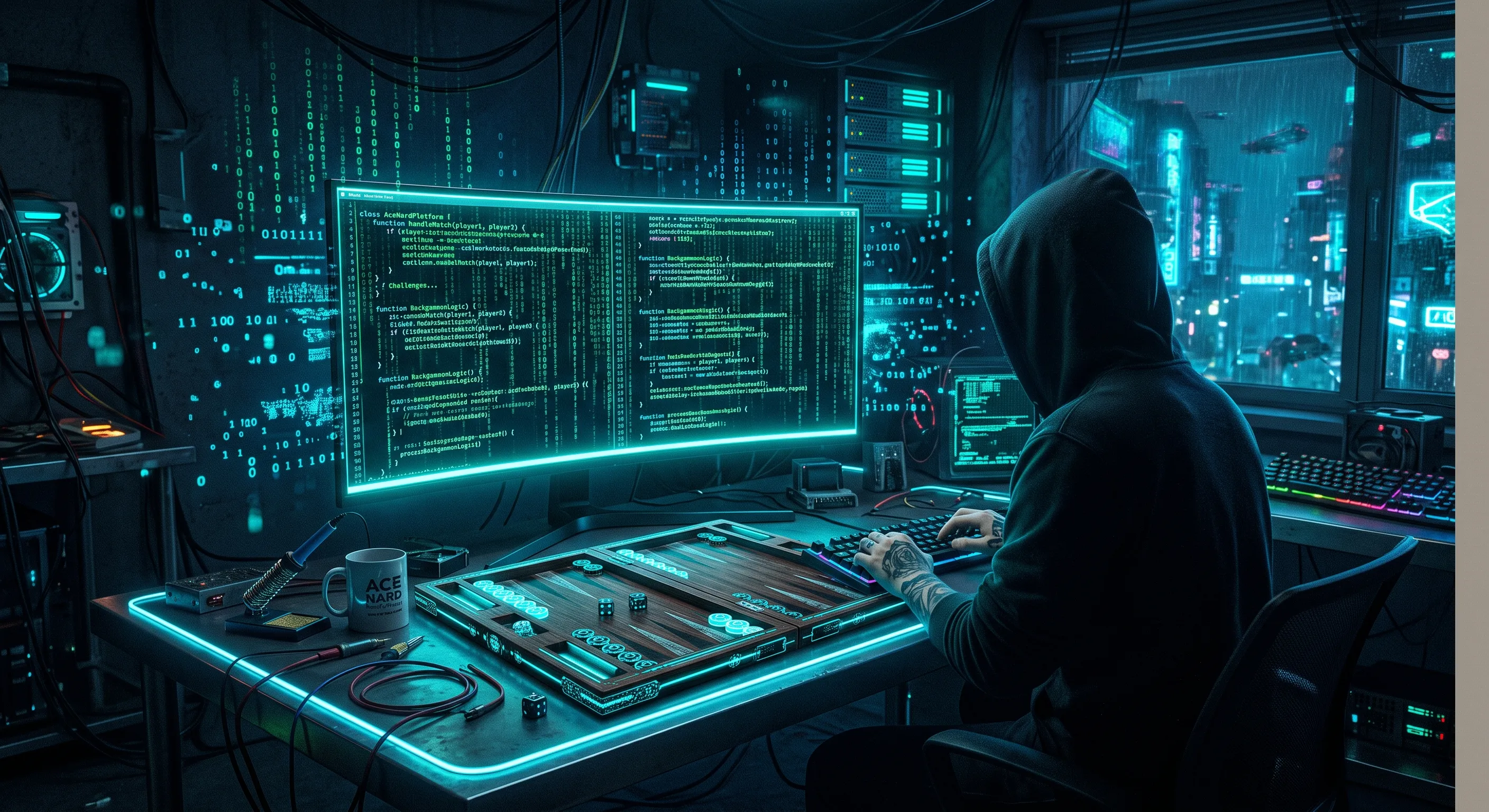
Think you know everything about AsNard? The game lobby, matchmaking, rankings — that's just the tip of the iceberg. In this article, we reveal 10 hidden features most users have no idea about. Some of these will transform your gaming experience.
1. Custom Backgrounds
Yes, you can change your table background! Go to settings and choose from dozens of beautiful designs — from classic wood textures to advanced neon themes and exclusive tournament backgrounds. Some backgrounds are awarded in tournaments — start collecting.
How to activate: Settings → Table Background → browse and select. Special backgrounds can be purchased in the shop with coins or gems.
2. Advanced Stats
Your profile shows more than just win/loss count. You can see your win rate per game, average score per round, best winning streak, and even your performance against specific opponents. These stats tell you exactly where you need to improve.
How to view: Profile → Stats. You can filter by game, time period, and opponent type. Learn the art of losing by analyzing these stats.
3. Invite Friends via Telegram with Direct Link
Have guests over and want to play together? Use the direct Telegram sharing feature to send a private room link to friends. They can join with one click — even if they don't have AsNard installed — the Telegram Mini App opens automatically.
Pro tip: For group invites, create a private room and share the link in your Telegram group. Up to 6 players can play in one private room.
4. Complete Tournament History
Every tournament you've ever joined is recorded in your profile — even free ones. See what place you came in, how many points you earned, and whether your performance is improving over time. Read the first tournament story to understand why tournaments are worth joining.
5. Practice Mode vs AI (3 Levels)
Before jumping into online games and competitive stress, practice against AI. AsNard's bot has three difficulty levels:
- Beginner: For learning rules — simple, predictable moves
- Intermediate: For strategy practice — combines attacks and defense
- Advanced: For pros — unexpected, calculated moves
6. Private Rooms with Custom Rules
Want to play Hokm with your own house rules? In private rooms, you can customize:
- Scoring type (manual or automatic)
- Number of rounds (unlimited or limited)
- Time limit per move (up to 60 seconds)
- Virtual betting (coins)
- Team assignment (random or manual)
7. Smart Tournament Notifications
AsNard reminds you when a tournament you registered for is about to start — even if the app is closed. These notifications are smart: they're only sent for tournaments you've actually registered for, not every available tournament.
Pro tip: Log in 15 minutes before tournament start to warm up. AsNard champions do this before every competition.
8. Highlight Replay
Had an epic round? You can replay the highlight and share it with friends. Perfect for learning and bragging! This feature is available for backgammon and Hokm games. Use it to teach friends the doubling cube strategy.
9. Daily Lucky Wheel
One free chance every day to win coins and prizes. Spin the wheel and claim your reward. These coins can be used to buy special items and enter tournaments. Bonus: spin 7 consecutive days for a special 7th-day prize.
10. Leaderboard Privacy Settings
Concerned about privacy on the leaderboard? You can hide your Telegram profile link from the bot leaderboard in account settings. Your name and score remain visible, but no one can access your Telegram profile through the leaderboard button. See the privacy page for details.
Features Table: Free vs Premium
| Feature | Free | Premium |
|---|---|---|
| Basic backgrounds | ✅ 5 designs | ✅ All designs |
| Advanced stats | ✅ Full | ✅ Full + history |
| Friend invites | ✅ | ✅ |
| AI practice | ✅ Beginner level | ✅ All 3 levels |
| Private rooms | ✅ Up to 4 players | ✅ Up to 6 players |
| Lucky wheel | ✅ Daily | ✅ Daily + bonus |
| Highlight replay | ❌ | ✅ |
| Privacy controls | ✅ | ✅ |
See? There are tons of features you didn't know about! Each one can improve your gaming experience — from AI practice for learning to friend invites for family gatherings. If you're just starting, read the beginner's guide. If you want more challenge, join your first tournament.